
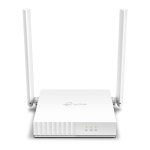
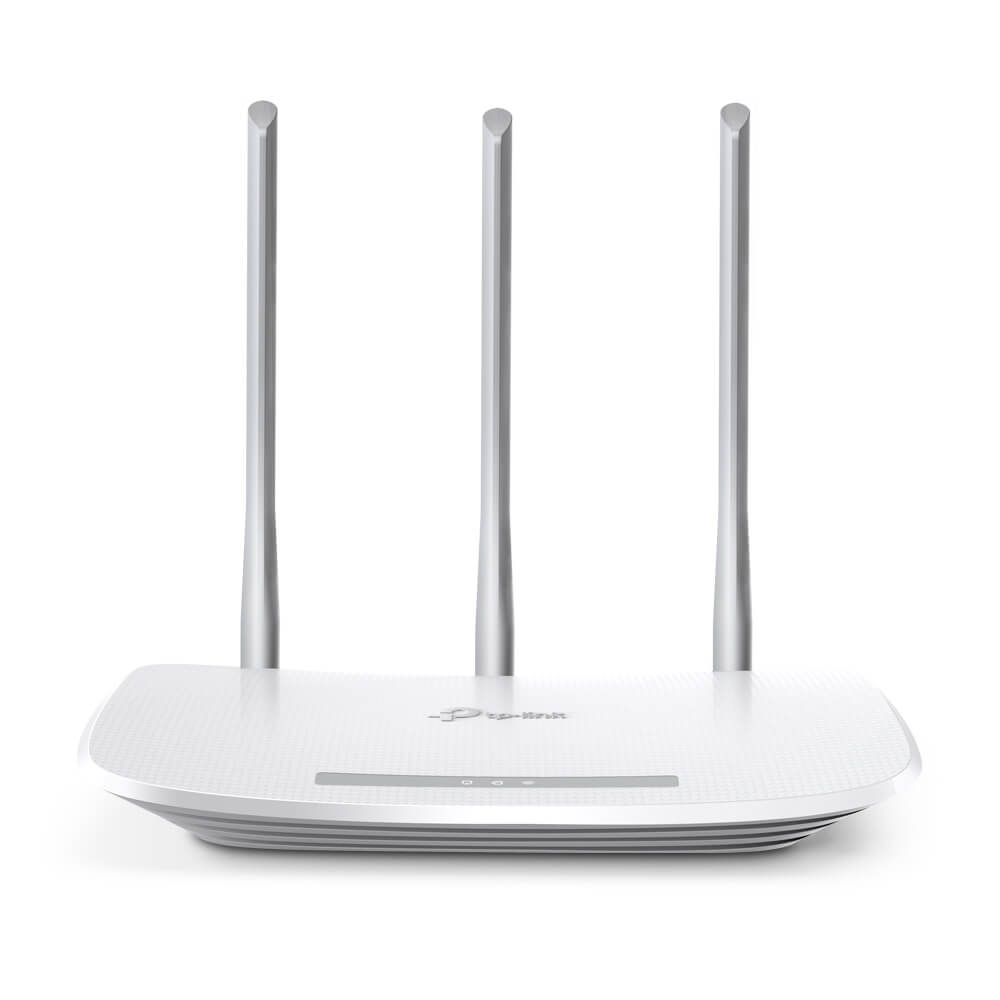
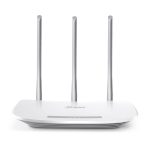
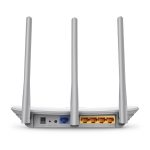

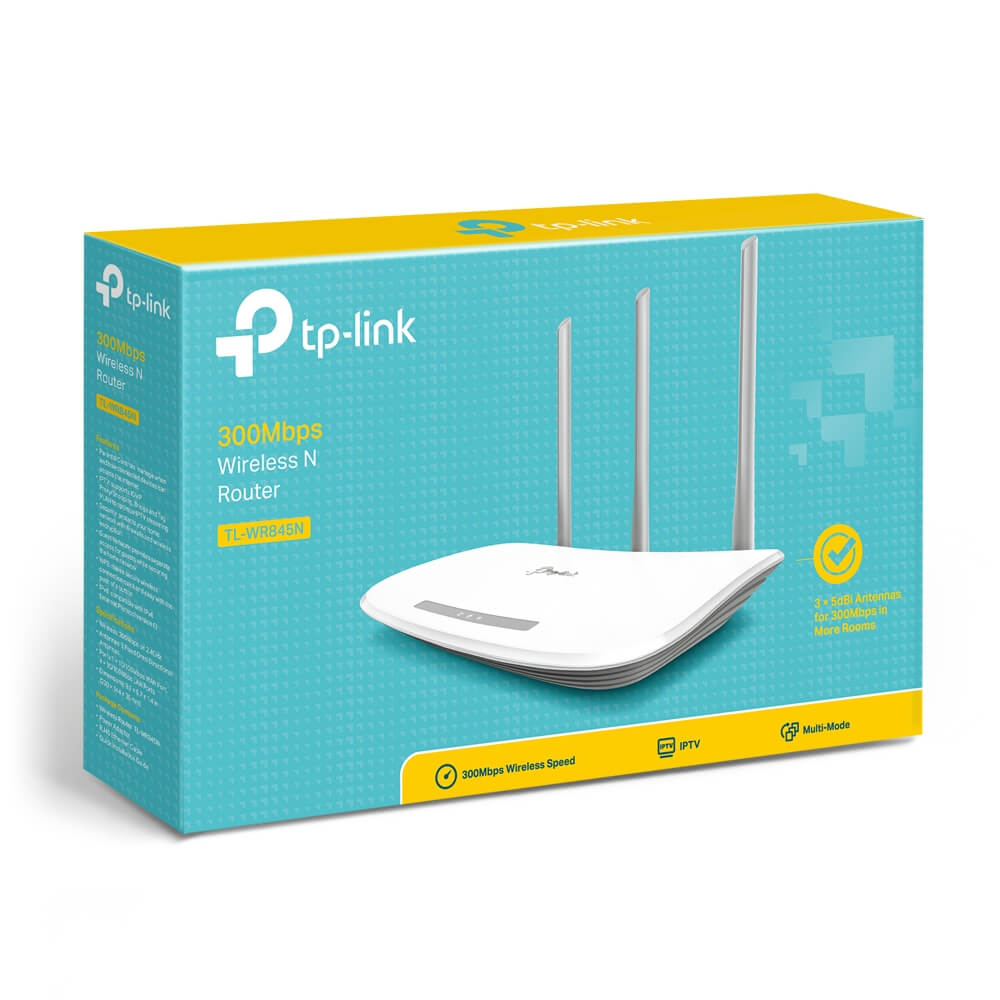
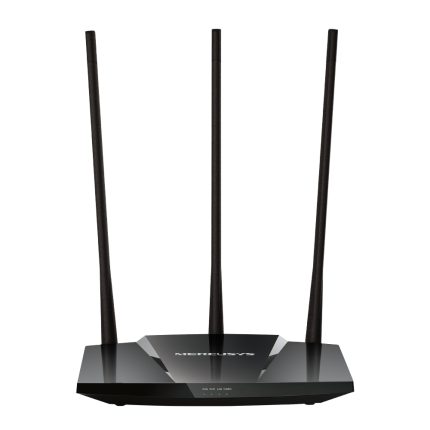
TP-Link TL-WR845N Wireless Router 3 Antenna
৳ 1,950
 EMI এবং ADVANCE PAYMENT করার পূর্বে Whatsapp এ মেসেজ অথবা ফোন করে স্টক আপডেট জেনে নেয়ার জন্য বিনীতভাবে অনুরোধ করা হচ্ছে। ফেসবুক পেইজ লিংকঃ Gadget Studio BD ফোন নাম্বারঃ 01946004703
Description
TP-Link TL-WR845N Wireless Router 3 Antenna
TP-Link TL-WR845N Features:
- Performance: 300Mbps wireless speed ideal for interruption sensitive applications like HD video streaming.
- Three antennas: greatly increase the wireless robustness and stability.
- WPS Button: Easy wireless security encryption at a push of WPS button.
- IP:IP based bandwidth control allows administrators to determine how much bandwidth is allotted to each PC.
- Compatible with IPv6: The more recent Internet Protocol version.
- Tether App: Tp-Link Tether App allows quick installation and easy management using any mobile device.
Speedy Wireless N300
TP-Link TL-WR845N provides speedy and stable Wi-Fi for your network needed devices. Up to 300Mbps wireless speed
makes it a practical solution for home network applications like files download, video chat or online streaming.†
Greater Coverage and Enhanced Reliability
Three 5dBi high gain antennas perfect for small to medium house, a better coverage lets you never lost
connections and enjoy more stable connection.
-
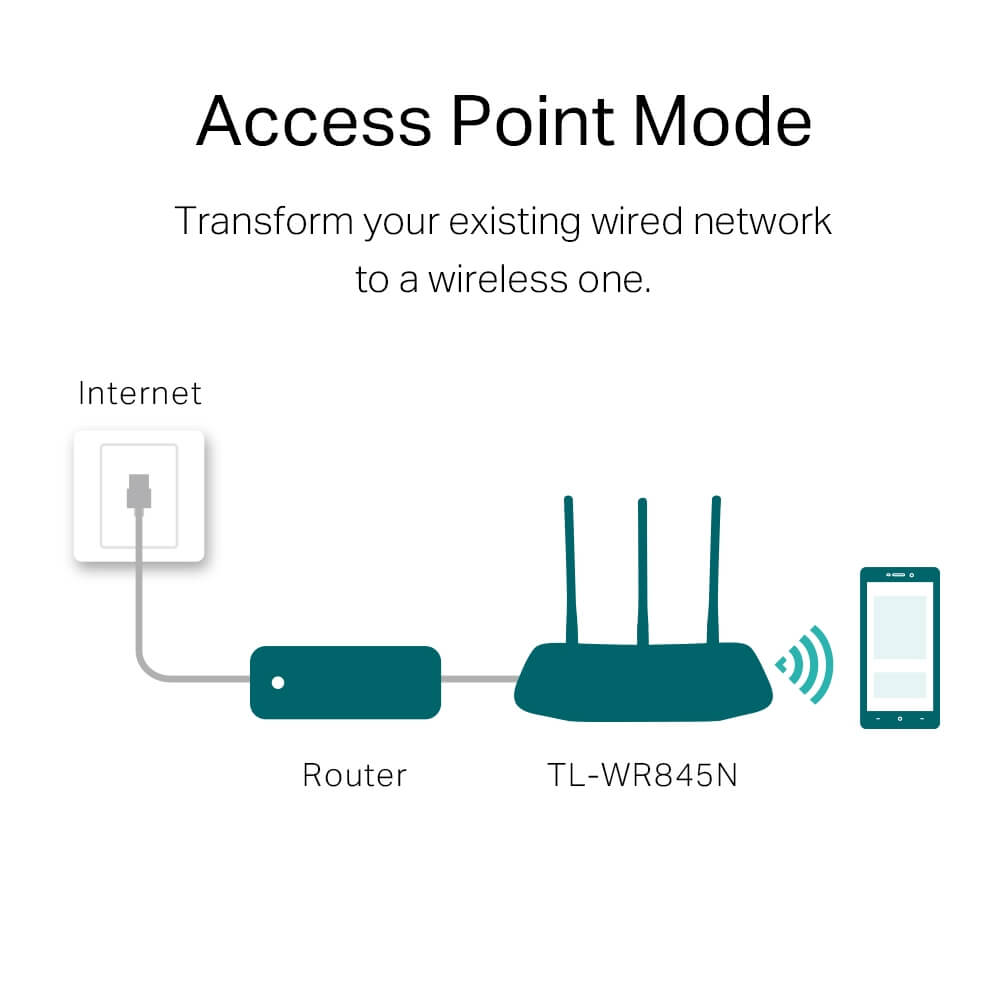
Access Point Mode
Transform your existing wired network to a wireless one.
Internet Router TP-Link TL-WR845N -
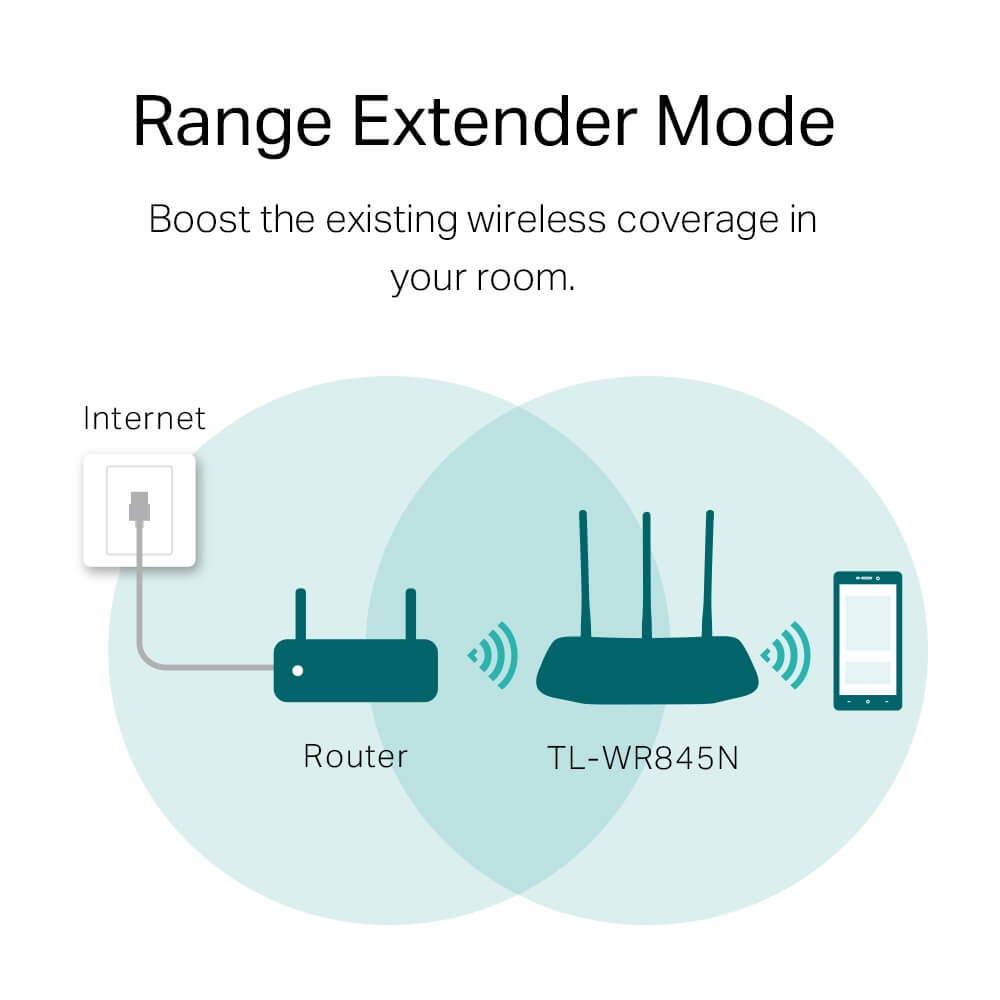
Range Extender Mode
Boost the existing wireless coverage in
your room. -
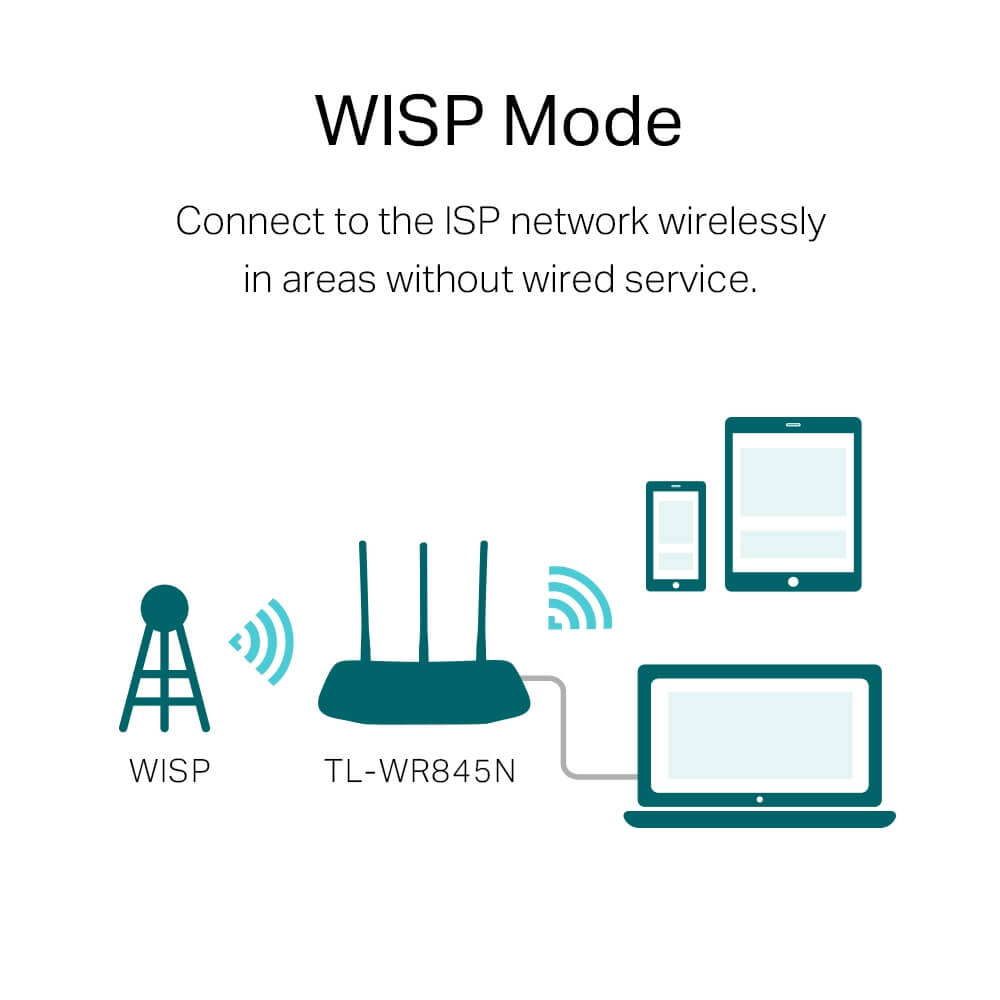
WISP Mode
Connect to the ISP network wirelessly
in areas without wired service.WISPTL-TP-Link TL-WR845N
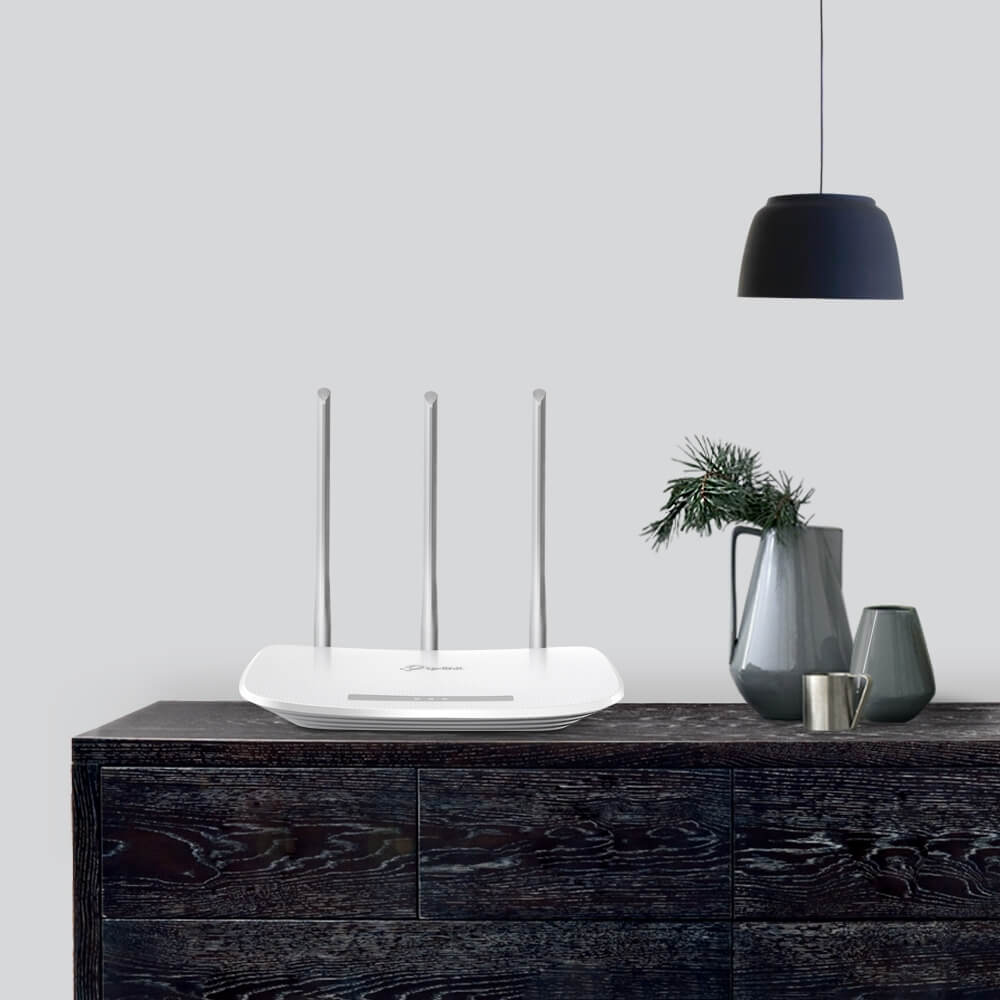
Delicate Appearance
The new design with elegant texture makes it a stylish addition to the decor of any room in your home.
Guest Network Access
Guest Network function provides secure access for guests to sharing your Wi-Fi network. Easy sharing, no worry about your private network.
Easy Parental Control
Parent Control allows parents or administrators to deploy restricted access for children or staff. With URL blocking, you can easily set up a black or white list to limit the level of web access.
Easy Setup and Management
Set up TP-Link TL-WR845N in minutes thanks to its intuitive web interface and the powerful Tether app. TP-Link Tether app provides the easiest way to access and manage your router on your smartphone, allows you to start enjoying your new device faster.
Related Products:
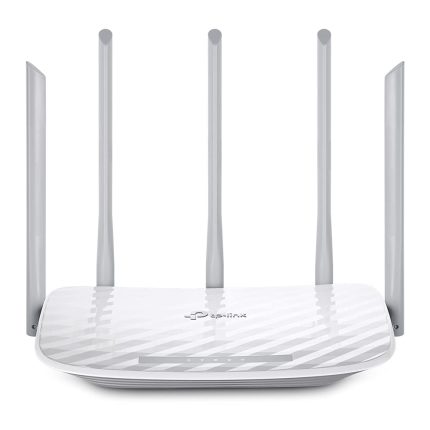
- TP-Link Archer C60 Wireless Dual Band Router
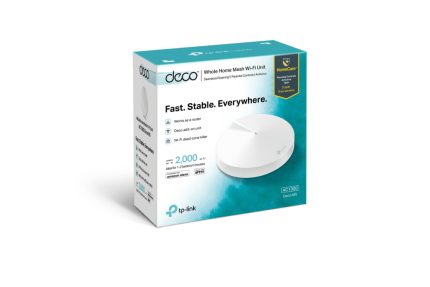
- Tp-Link Deco E4 AC1200 Whole Home Mesh Wi-Fi System (1 Pack)
- Tp-Link Deco E4 AC1200 Whole Home Mesh Wi-Fi System (1 Pack)
TP-Link TL-WR845N 300 Mbps Wireless N Router (3 Antennas)
Budget-Friendly Wi-Fi for Basic Home Networking – Stable and Simple with Enhanced Coverage
Looking for an affordable router that delivers reliable performance for everyday internet needs? The TP-Link TL-WR845N 300 Mbps Wireless N Router is a compact, entry-level solution with three high-gain antennas to boost signal strength and coverage. If you’re dealing with slow browsing, basic streaming, or connecting a few devices in small spaces like apartments or dorms in Bangladesh, this router provides stable 2.4 GHz Wi-Fi up to 1,500 square feet, supporting up to 30 devices. Perfect for BTCL DSL, cable broadband, or light use in Dhaka’s compact homes or rural setups, it ensures smooth web surfing, VoIP calls, and SD video without complexity.
Powered by 802.11n Wi-Fi 4 technology, TP-Link TL-WR845N offers 300 Mbps speeds on the 2.4 GHz band, ideal for interruption-sensitive tasks like online gaming or HD streaming. Its three 5dBi fixed omnidirectional antennas enhance wireless robustness, penetrating walls better than single-antenna models. With IP-based bandwidth control, you can prioritize devices, while WPS enables one-touch security. The intuitive Tether app makes setup and management a breeze on your smartphone.
Key Features:
- 300 Mbps Wireless N Speed: Up to 300 Mbps on 2.4 GHz for lag-free browsing, video streaming, VoIP, and multi-tasking
- Enhanced Coverage: Three 5dBi fixed omnidirectional antennas for stable signals up to 1,500 sq ft – great for small homes or apartments
- Multi-Mode Operation: Works as a router, access point, repeater, or WISP client for versatile setups
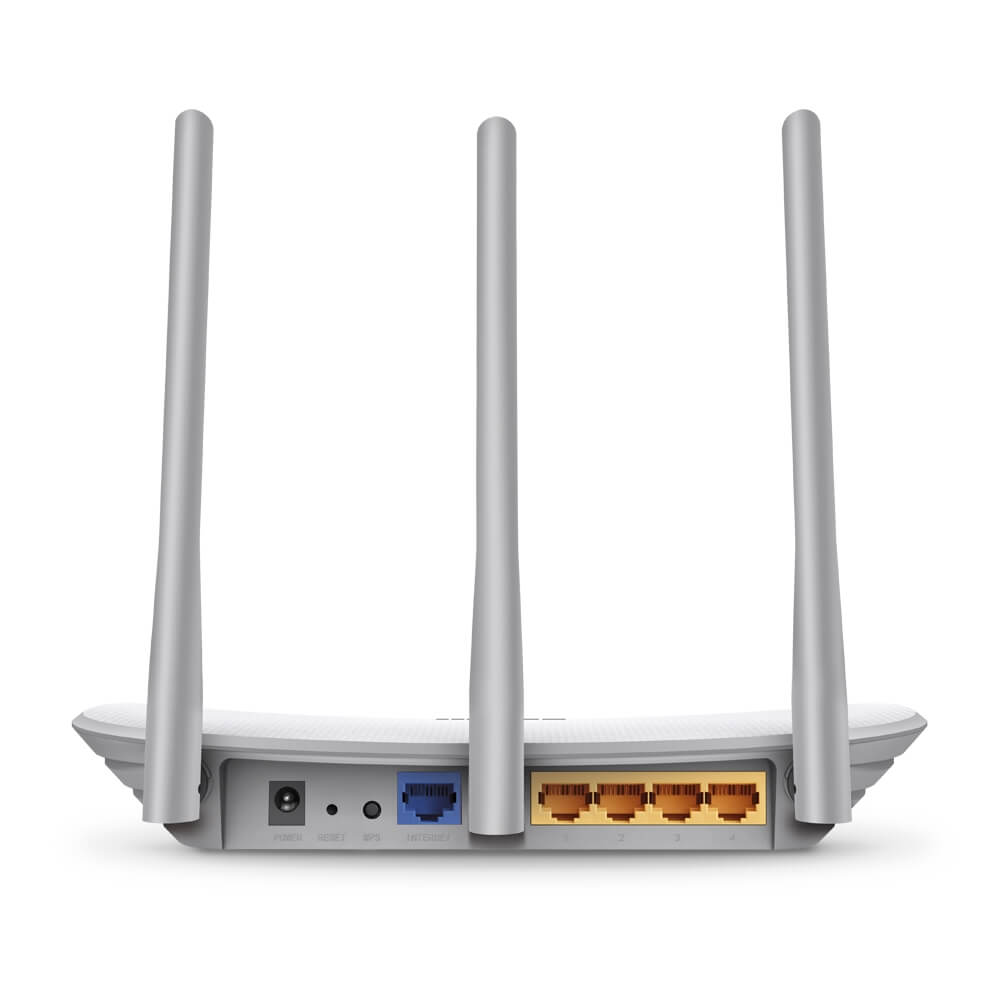
- Fast Ethernet Ports: 1 × 10/100 Mbps WAN + 4 × 10/100 Mbps LAN for wired connections to PCs, printers, or smart TVs
- Security & Controls: WPA/WPA2 encryption, SPI firewall, IP/MAC/URL filtering, DoS protection, and parental controls for safe networking
- Easy Guest Network: Isolated Wi-Fi for visitors with bandwidth limits
- One-Touch WPS: Quick secure pairing with a button press – no passwords required
- Simple Management: TP-Link Tether app (iOS/Android) or web interface for easy setup, monitoring, and IPv6 compatibility
- QoS Prioritization: Bandwidth control to favor key apps like streaming or calls
- Compact Design: Wall-mountable white unit (9.1 × 5.7 × 1.4 inches) that fits anywhere
Best for plans up to 100 Mbps, TP-Link TL-WR845N is a no-fuss starter router with solid antenna performance for basic to moderate use.
Technical Specifications:
- Wireless Standards: IEEE 802.11n/b/g (2.4 GHz) – Wi-Fi 4
- Wi-Fi Speeds: Up to 300 Mbps (2.4 GHz)
- Ports: 1 × 10/100 Mbps WAN, 4 × 10/100 Mbps LAN
- Antennas: 3 × Fixed 5dBi Omnidirectional External Antennas
- Processor: Single-core CPU (Atheros-based @ 400 MHz)
- Memory: 32 MB RAM, 4 MB Flash
- Security: 64/128/152-bit WEP, WPA/WPA2, WPA-PSK/WPA2-PSK, Access Control
- Dimensions: 230 × 144 × 35 mm
- Power Supply: 9V/0.6A (universal 100-240V adapter included)
Frequently Asked Questions (FAQs)
1. What makes TP-Link TL-WR845N good for small homes? Its three 5dBi antennas provide robust coverage up to 1,500 sq ft, ensuring stable signals for browsing and streaming in apartments without dead zones.
2. How much area does it cover? Up to 1,500 square feet in open layouts. For larger spaces, use repeater mode or add an extender to amplify the signal.
3. Is setup beginner-friendly? Yes – the Tether app offers a guided wizard in minutes, or use the web interface (tplinkwifi.net) with WPS for instant device connections.
4. Can it handle multiple devices? Supports up to 30 devices for basic use, with QoS to prioritize traffic and prevent slowdowns during shared streaming or calls.
5. What security features are included? WPA2 encryption, SPI firewall, DoS protection, and IP/MAC/URL filtering to secure your network and block threats.
6. Does it have parental controls? Yes – via the app or web: Set schedules, block sites, and limit access for family safety.
7. Can it work as a repeater or access point? Absolutely – multi-mode support lets you extend Wi-Fi from your main router or convert wired to wireless.
8. Is it compatible with most modems? Yes – supports PPPoE, Dynamic IP, Static IP, and L2TP for BTCL, AmberIT, or other Bangladeshi ISPs.
9. How do I manage it remotely? Use the Tether app for mobile control, including firmware updates and diagnostics from anywhere.
10. What’s in the box?
- TP-Link TL-WR845N Router
- Power Adapter
- RJ45 Ethernet Cable
- Quick Installation Guide
Connect with ease using the TP-Link TL-WR845N – essential Wi-Fi boosted by three antennas for everyday reliability!
| WIRELESS | |
|---|---|
| Standards | Wi-Fi 4 IEEE 802.11n/b/g 2.4 GHz |
| WiFi Speeds | N300 2.4 GHz: 300 Mbps (802.11n) |
| WiFi Range | 2 Bedroom Houses 3× Fixed Antennas Multiple antennas form a signal-boosting array to cover more directions and large areas |
| WiFi Capacity | Legacy |
| Working Modes | Router Mode Access Point Mode Range Extender Mode WISP Mode |
| HARDWARE | |
|---|---|
| Processor | Single-Core CPU |
| Ethernet Ports | 1× 10/100 Mbps WAN Port 4× 10/100 Mbps LAN Ports |
| Buttons | WPS Button Reset Button |
| Power | 9 V ⎓ 0.6 A |
| SECURITY | |
|---|---|
| WiFi Encryption | WPA WPA WPA3 WPA/WPA2-Enterprise (802.1x) |
| Network Security | SPI Firewall Access Control IP & MAC Binding Application Layer Gateway |
| Guest Network | 1× 2.4 GHz Guest Network |
| VPN Server | |
| SOFTWARE | |
|---|---|
| Protocols | IPv4 , IPv6 |
| Parental Controls | URL Filtering Time Controls |
| WAN Types | Dynamic IP Static IP PPPoE PPTP L2TP |
| Quality of Service | QoS by Device |
| Cloud Service | |
| NAT Forwarding | Virtual Server Port Forwarding Port Triggering DMZ UPnP |
| IPTV | IGMP Proxy IGMP Snooping |
| DDNS | NO-IP DynDNS |
| DHCP | Address Reservation DHCP Client List Server |
| Management | Tether App Webpage |
| PHYSICAL | |
|---|---|
| Dimensions (W×D×H) | 9.1 × 5.7 × 1.4 in (230 × 144 × 35 mm) |
| Package Contents | Wi-Fi Router Archer AX20 Power Adapter RJ45 Ethernet Cable Quick Installation Guide |
| OTHERS | |
|---|---|
| System Requirements | Internet Explorer 11+, Firefox 12.0+, Chrome 20.0+, Safari 4.0+, or other JavaScript-enabled browser
Cable or DSL Modem (if needed) Subscription with an internet service provider (for internet access) |
| Certifications | FCC, CE, RoHS |
| Environment | Operating Temperature: 0℃~40℃ (32℉ ~104℉) Storage Temperature: -40℃~70℃ (-40℉ ~158℉) Operating Humidity: 10%~90% non-condensing Storage Humidity: 5%~90% non-condensing |
| TEST DATA | |
|---|---|
| WiFi Transmission Power | CE: <20dBm(2.4GHz) FCC: <30dBm |
| WiFi Reception Sensitivity | 270M: -70dBm@10% PER 130M: -74dBm@10% PER 108M: -74dBm@10% PER 54M: -77dBm@10% PER 11M: -93dBm@8% PER 6M: -95dBm@10% PER 1M: -98dBm@8% PER |
Additional information
| Brand | TP-Link |
|---|
Reviews (0)
Only logged in customers who have purchased this product may leave a review.
















































































































































































Reviews
There are no reviews yet.