

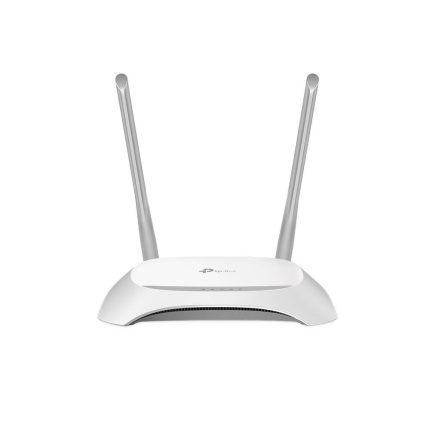
TP-Link Archer C60 Wireless Dual Band Router
৳ 3,490
 EMI এবং ADVANCE PAYMENT করার পূর্বে Whatsapp এ মেসেজ অথবা ফোন করে স্টক আপডেট জেনে নেয়ার জন্য বিনীতভাবে অনুরোধ করা হচ্ছে। ফেসবুক পেইজ লিংকঃ Gadget Studio BD ফোন নাম্বারঃ 01946004703

TP-Link Archer C60 Wireless Dual Band Router
TP-Link Archer C60 Features:
- Get faster Wi-Fi at both the 2.4 GHz band (450 Mbps) and the 5 GHz band (867 Mbps) with TP-Link Archer C60
- The advanced AC Wi-Fi unlocks the performance of all your wireless devices
- Three 2.4 GHz antennas and two 5 GHz antennas create superior Wi-Fi coverage
- MU-MIMO achieves 2× efficiency by communicating with up to 2 devices simultaneously
- Beamforming technology delivers highly efficient wireless connection (supported by Version 2.0 and above)
- Advanced software functions like Parental Controls and Guest Network provide personalized management
- Tether app provides easy router management in your palm
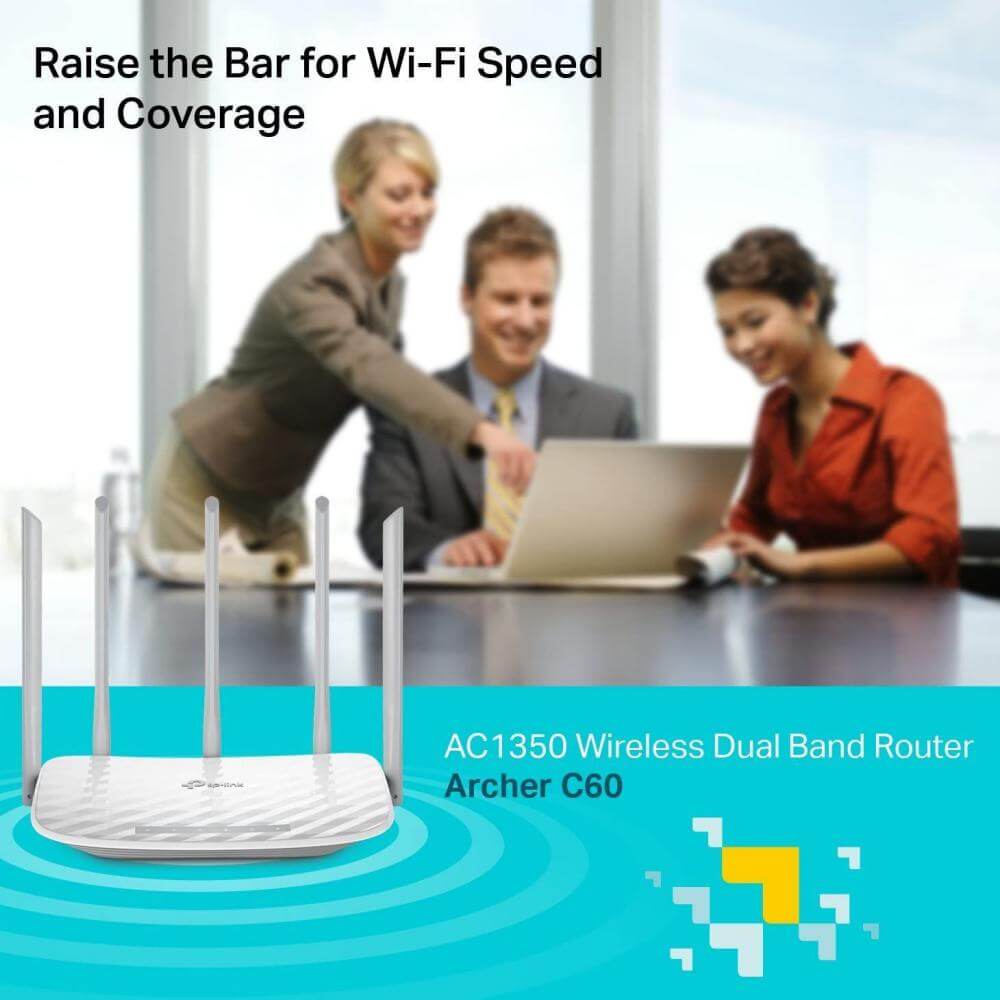
Raise the Bar for Wi-Fi Speed and Coverage
TP-Link Archer C60 AC1350 Wireless Dual Band Router
The New Wi-Fi Standard for an Advanced Online Experience
TP-Link Archer C60 comes with the latest wireless standard – 802.11ac. This advanced Wi-Fi is designed for high-traffic online activities and can help to run applications at triple the speed of the previous 802.11n standard. The result: faster, stronger and more capable Wi-Fi to unleash all your wireless devices.
Fast, Concurrent Dual Band Wi-Fi
TP-Link Archer C60 provides you with simultaneous dual band Wi-Fi connections.
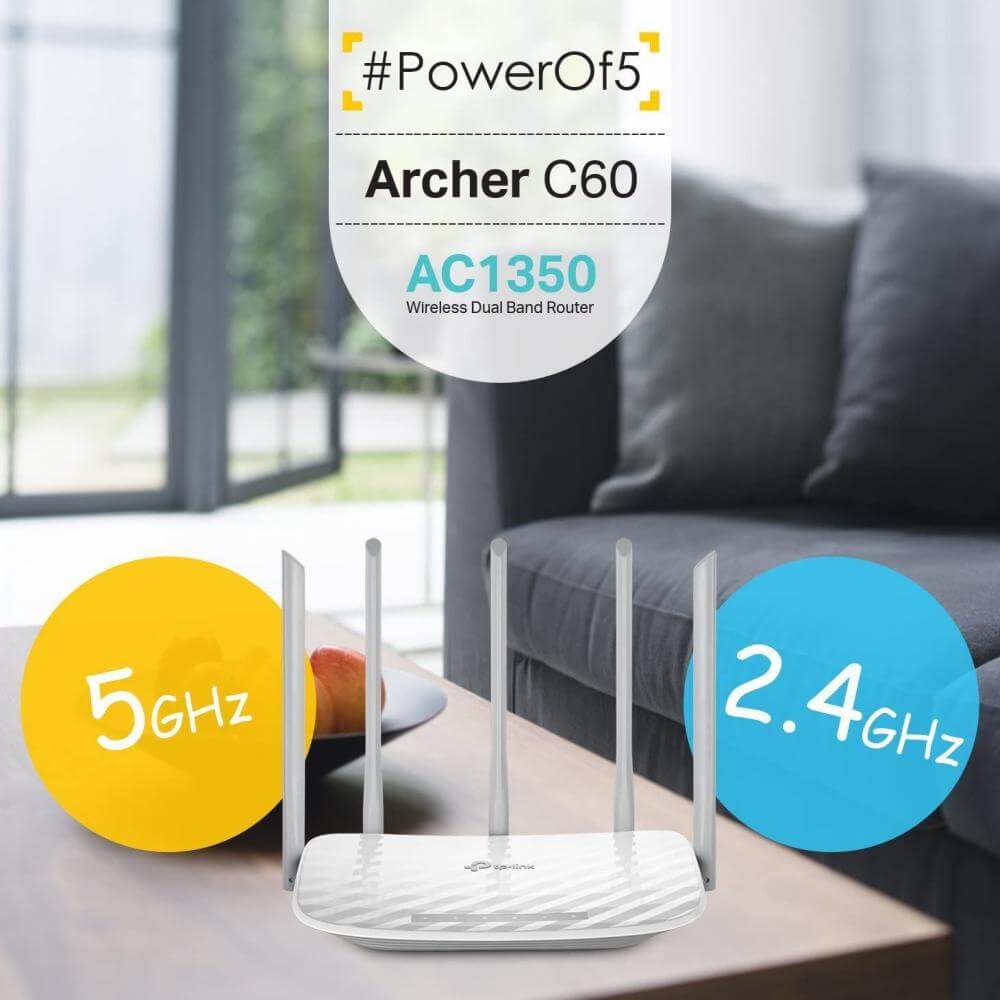
2.4GHz band: 3×3 MIMO creates fast and stable Wi-Fi at speeds of 450Mbps, making it perfect for daily applications like sending emails, browsing the web or listening to music.
5GHz band: Provides up to 867Mbps Wi-Fi for latency-sensitive entertainment so you can stream HD video, play online games and hold video chats all at the same time, without delay.
867Mbps 450Mbps
5GHz 2.4GHz


Arranged Coverage, Enhanced Stability
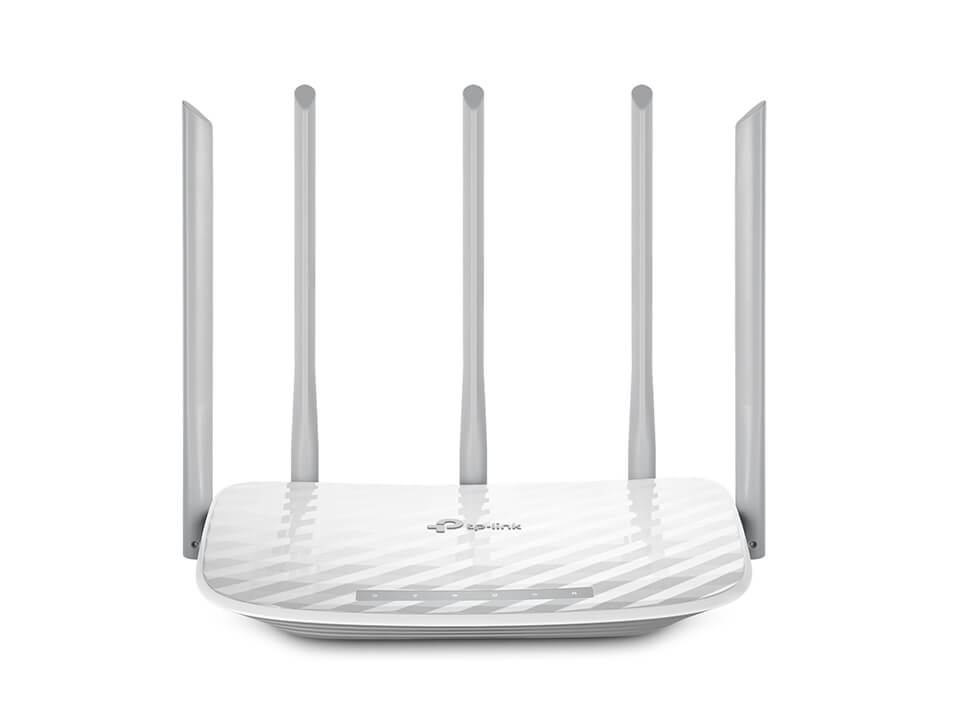
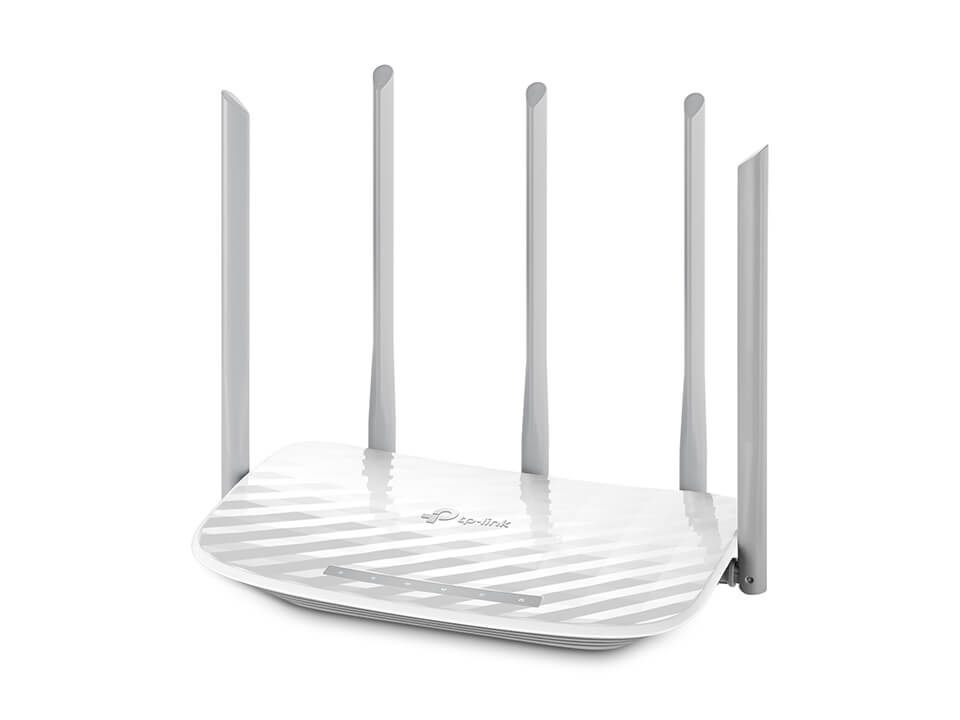
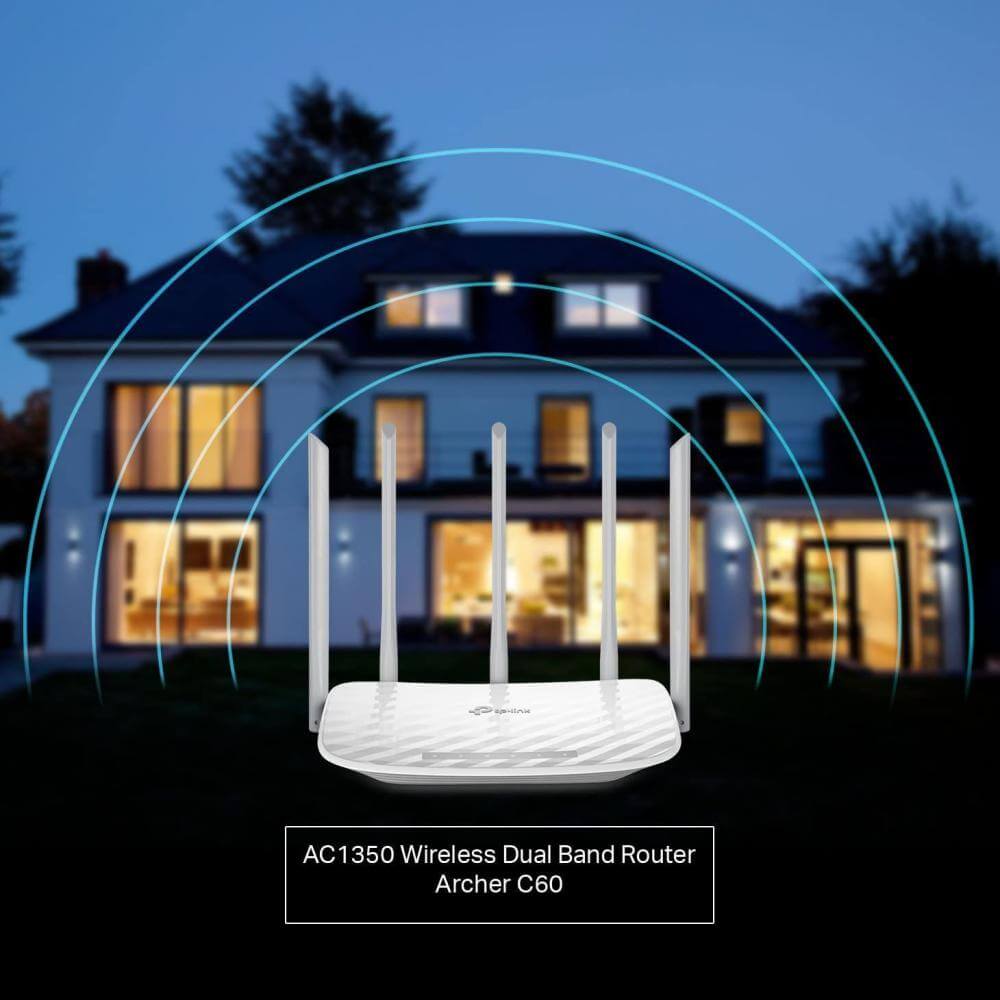
TP-Link Archer C60’s innovative design includes five antennas, three at 2.4GHz and two at 5GHz. These have been arranged alternately to optimize the dual band 802.11ac Wi-Fi, creating a transmission with maximized coverage, minimized interference.
- 2.4GHz
- 2.4GHz
- 5GHz
- 2.4GHz
- 5GHz
- 2.4GHz
- Disorganized Antenna Layout: Antennas transmitting at the same frequency are placed too closely, causing interference and signal instability.
- Organized Antenna Arrangement: Antennas transmitting at the same frequency are placed in alternate order, reducing interference for a more pure, stable dual band connection.
- 2.4GHz Signal
- 5GHz Signal
Easy Parental Control
Supervise children and staff with responsible access, controlled by parents or administrators. Use URL blocking to easily set up a black or white list and limit the level of web access.
Guest Network Access
Allow guests to join your Wi-Fi network, while protecting your privacy. Make sharing easy, maintain security.
Impeccable Design
To match its advanced features, TP-Link Archer C60 introduces an elegant texture and color to fit the stylish décor of your home.
Easy Setup and Management
Set up TP-Link Archer C60 in minutes thanks to its intuitive web interface. Configuration is also in the palm of your hands with TP-LINK’s powerful app, Tether, the easiest way to access and manage your router through your smartphone.
Related Products:
- TP-Link Archer C6 AC1200 Gigabit MU-MIMO Wireless Router
- Tp-Link Deco E4 AC1200 Whole Home Mesh Wi-Fi System (1 Pack)
- TP-Link Deco M9 Plus AC2200 Smart Home Mesh Wi-Fi System
TP-Link Archer C60 AC1350 Wireless Dual Band Router
Experience Reliable Dual-Band Wi-Fi for Everyday Streaming and Browsing – Affordable and Easy
Upgrade your home network without the complexity with the TP-Link Archer C60 AC1350 Wireless Dual Band Router, a budget-friendly powerhouse that delivers smooth, lag-free connectivity for modern households. If spotty signals, buffering during video calls, or slow downloads are slowing you down, this router blankets up to 2,000 square feet in strong dual-band coverage, perfect for 2-3 bedroom apartments or small villas in Dhaka, Chittagong, or beyond. Whether you’re on BTCL broadband, DSL, or fiber, enjoy AC1350 speeds that power HD streaming, online classes, and light gaming for up to 50 devices – all while keeping things simple and secure.
Built on 802.11ac Wi-Fi 5 technology, TP-Link Archer C60 uses MU-MIMO to handle multiple devices at once, reducing congestion so your family can browse, stream, and work simultaneously. Three 2.4 GHz antennas provide broad coverage for everyday tasks, while two 5 GHz antennas focus on high-speed performance for bandwidth-hungry apps. Beamforming directs signals to your devices for better range through walls, and guest networks keep visitors isolated from your main setup.
Key Features:
- AC1350 Dual-Band Wi-Fi: Up to 867 Mbps on 5 GHz for 4K streaming and downloads + 450 Mbps on 2.4 GHz for stable browsing and IoT devices
- MU-MIMO & Beamforming: Communicates with multiple devices simultaneously; focuses signals for enhanced range and reduced interference
- Superior Antenna Setup: Three external 2.4 GHz antennas + two external 5 GHz antennas for optimized coverage up to 2,000 sq ft
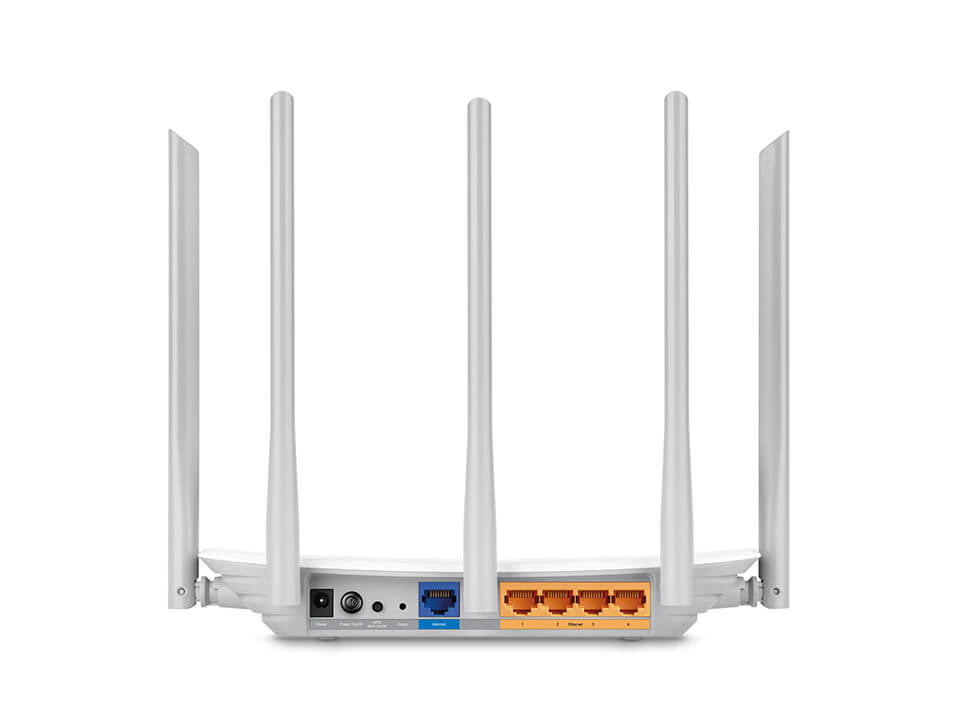
- Fast Ethernet Ports: 1 × 10/100 Mbps WAN + 4 × 10/100 Mbps LAN for reliable wired connections to PCs, TVs, or printers
- Parental Controls & Guest Network: Set time limits, block sites, and create isolated Wi-Fi for visitors via the Tether app
- QoS Prioritization: Allocate bandwidth to prioritize gaming, video calls, or work apps for smoother performance
- Easy Management: Free Tether app (iOS/Android) for quick setup, remote monitoring, and features like access control and IPTV support
- Access Point Mode: Easily convert to an AP to extend your existing wired network
- Security Essentials: WPA2/WPA encryption, SPI firewall, and IP/MAC binding to protect against threats
- Stylish & Compact: Elegant white design (9.1 × 5.7 × 1.4 inches) that blends into any home decor
Ideal for entry-level users or as a secondary router, TP-Link Archer C60 offers great value for basic to moderate internet needs, supporting plans up to 100 Mbps optimally.
Technical Specifications:
- Wireless Standards: IEEE 802.11ac/n/a (5 GHz), IEEE 802.11n/b/g (2.4 GHz) – Wi-Fi 5
- Wi-Fi Speeds: Up to 867 Mbps (5 GHz) + 450 Mbps (2.4 GHz)
- Ports: 1 × 10/100 Mbps WAN, 4 × 10/100 Mbps LAN
- Antennas: 3 × External (2.4 GHz) + 2 × External (5 GHz)
- Processor: Qualcomm Atheros QCA9561 @ 750 MHz
- Memory: 64 MB RAM, 8 MB Flash
- Security: WPA2-PSK/WPA, SPI Firewall, Access Control
- Dimensions: 230.3 × 144.1 × 35 mm
- Power Supply: 12V/1A (universal 100-240V adapter included)
Frequently Asked Questions (FAQs)
1. What makes TP-Link Archer C60 suitable for multi-device homes? MU-MIMO allows it to serve multiple devices at once, handling up to 50 connections without significant lag, ideal for families streaming and browsing simultaneously.
2. How much area does it cover? Up to 2,000 square feet in open layouts, thanks to five external antennas and beamforming. Walls or interference may reduce range – position centrally for best results.
3. Is setup easy for beginners? Yes! The Tether app provides a guided 3-step process in minutes: connect to your modem, scan the QR code, and customize via smartphone. Web interface available too.
4. Can it handle high-speed internet? It supports up to 100 Mbps effectively with Fast Ethernet ports. For gigabit plans, consider Gigabit-equipped models like Archer C6.
5. What security features does it have? WPA2 encryption, SPI firewall for intrusion defense, IP/MAC binding to prevent spoofing, and guest network isolation for safe sharing.
6. Are parental controls included? Yes – the app lets you set schedules, block websites, and monitor usage to keep kids safe online.
7. Can it work as an access point? Absolutely – switch to AP mode to extend Wi-Fi from your main router without replacing your setup.
8. Does it support guest networks? Yes, create a separate SSID for visitors with bandwidth limits, keeping your personal data secure.
9. How do I manage it remotely? Through the Tether app – check status, update firmware, or reboot from anywhere with internet access.
10. What’s in the box?
- TP-Link Archer C60 Router
- Power Adapter
- RJ45 Ethernet Cable
- Quick Installation Guide
Transform your Wi-Fi with the TP-Link Archer C60 – fast, simple, and built for real homes!
| WIRELESS | |
|---|---|
| Standards | Wi-Fi 5 IEEE 802.11ax/ac/n/a 5 GHz IEEE 802.11ax/n/b/g 2.4 GHz |
| WiFi Speeds | AC1350 5 GHz: 4804 Mbps (802.11ax, HE160) 2.4 GHz: 574 Mbps (802.11ax) |
| WiFi Range | 3 Bedroom Houses 5× Fixed Antennas Multiple antennas form a signal-boosting array to cover more directions and large areas Beamforming |
| WiFi Capacity | MediumDual-Band Allocate devices to different bands for optimal performance MU-MIMO |
| Working Modes | Router Mode Access Point Mode |
| HARDWARE | |
|---|---|
| Processor | Qualcomm CPU |
| Ethernet Ports | 1× Gigabit WAN Port 4× Gigabit LAN Ports |
| Buttons | Wi-Fi On/Off Button Power On/Off Button WPS/Reset Button |
| Power | 12V = 1A |
| SECURITY | |
|---|---|
| WiFi Encryption | WPA WPA WPA3 WPA/WPA2-Enterprise (802.1x) |
| Network Security | SPI Firewall Access Control IP & MAC Binding Application Layer Gateway |
| Guest Network | 1× 5 GHz Guest Network 1× 2.4 GHz Guest Network |
| VPN Server | OpenVPN PPTP |
| SOFTWARE | |
|---|---|
| Protocols | IPv4 , IPv6 |
| Parental Controls | URL Filtering Time Controls |
| WAN Types | Dynamic IP Static IP PPPoE PPTP L2TP |
| Quality of Service | QoS by Device |
| Cloud Service | Auto Firmware Upgrade OTA Firmware Upgrade TP-Link ID DDNS |
| NAT Forwarding | Virtual Servers Port Forwarding Port Triggering DMZ UPnP |
| IPTV | IGMP Proxy IGMP Snooping Bridge Tag VLAN |
| DDNS | TP-Link NO-IP DynDNS |
| DHCP | Address Reservation DHCP Client List Server |
| DDNS | TP-Link NO-IP DynDNS |
| Management | Tether App Webpage |
| PHYSICAL | |
|---|---|
| Dimensions (W×D×H) | 9.1 × 5.7 × 1.5 in (230 × 144 × 37 mm) |
| Package Contents | Wi-Fi Router Archer AX20 Power Adapter RJ45 Ethernet Cable Quick Installation Guide |
| OTHERS | |
|---|---|
| System Requirements | Internet Explorer 11+, Firefox 12.0+, Chrome 20.0+, Safari 4.0+, or other JavaScript-enabled browser
Cable or DSL Modem (if needed) Subscription with an internet service provider (for internet access) |
| Certifications | FCC, CE, RoHS |
| Environment | Operating Temperature: 0℃~40℃ (32℉ ~104℉) Storage Temperature: -40℃~70℃ (-40℉ ~158℉) Operating Humidity: 10%~90% non-condensing Storage Humidity: 5%~90% non-condensing |
| TEST DATA | |
|---|---|
| WiFi Transmission Power | CE EIRP: <20dBm(2.4GHz) <23dBm(5GHz) FCC: <30dBm(2.4GHz & 5GHz) |
| WiFi Reception Sensitivity | 5GHz: 11a 6Mbps:-93dBm;11a 54Mbps:-78dBm; 11ac HT20 mcs8:69dBm;11ac HT40 mcs9:-65dBm; 11ac HT80 mcs9:-62dBm; 2.4GHz: 11g 54Mbps:-78dBm; 11n HT20 mcs7:-74dBm; 11n HT40 mcs7:-71dbm; |
| Brand |
|---|
Only logged in customers who have purchased this product may leave a review.














































































































































Reviews
There are no reviews yet