
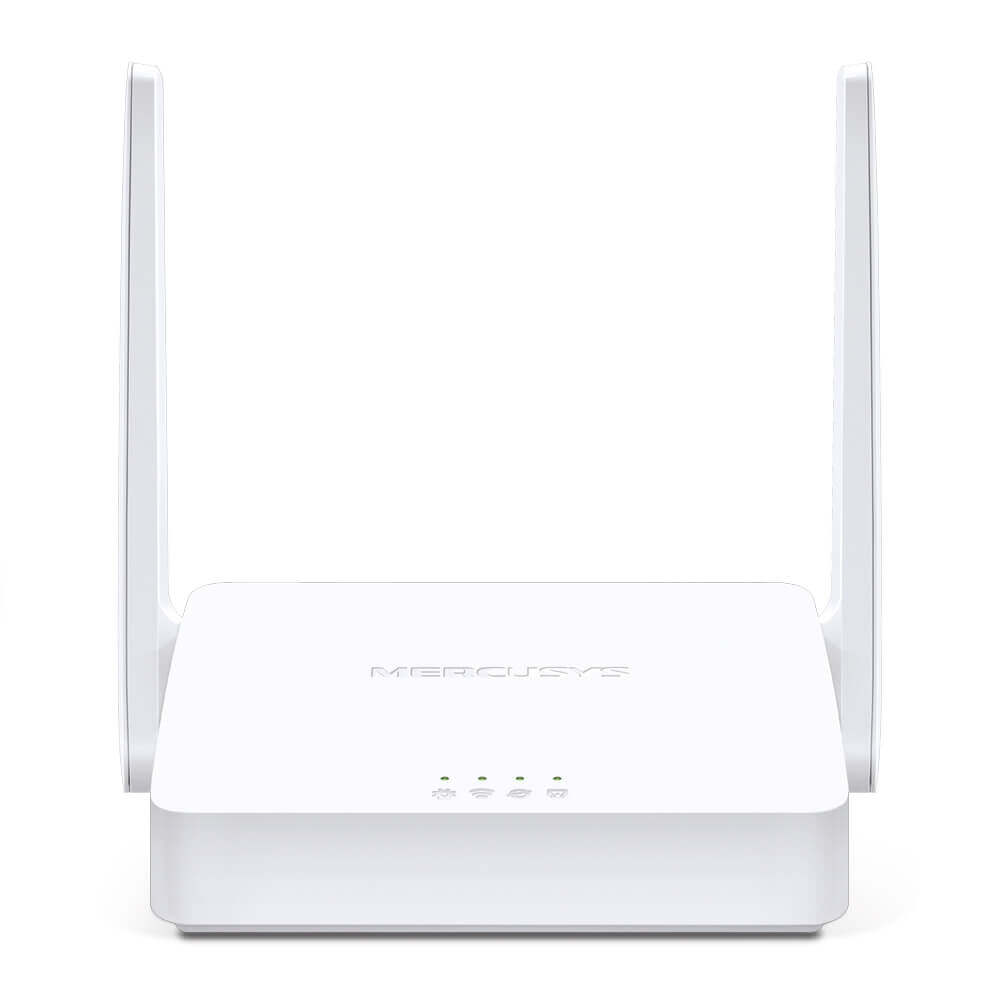
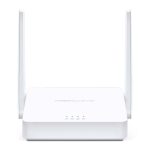
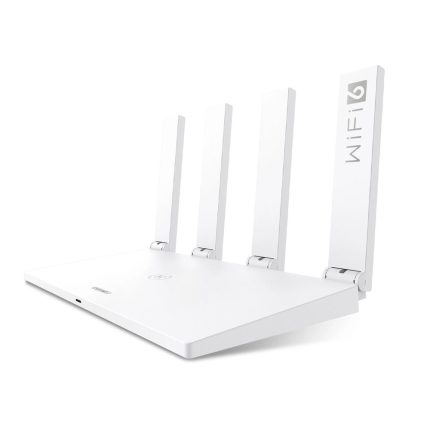
MERCUSYS MW302R N300 Multi-Mode Wi-Fi Router
 EMI এবং ADVANCE PAYMENT করার পূর্বে Whatsapp এ মেসেজ অথবা ফোন করে স্টক আপডেট জেনে নেয়ার জন্য বিনীতভাবে অনুরোধ করা হচ্ছে। ফেসবুক পেইজ লিংকঃ Gadget Studio BD ফোন নাম্বারঃ 01946004703

MERCUSYS MW302R N300 Multi-Mode Wi-Fi Router
MERCUSYS MW302R Features:
- Fast Wi-Fi for Daily Life — MERCUSYS MW302R provides fast and stable connections to meet all your network needs with speeds of up to 300 Mbps
- Broader Coverage — Equipped with high gain external antennas to deliver strong Wi-Fi signals to every corner of your home
- Multi-Mode — Four modes in one device to satisfy all application scenarios
- Easy installation — Intuitive webpage guides you through the setup process in minutes
- Active Parental Controls — Establish appropriate access policies to protect children with responsible, safe internet access
- Compatible with IPv6 (Internet Protocol version 6)
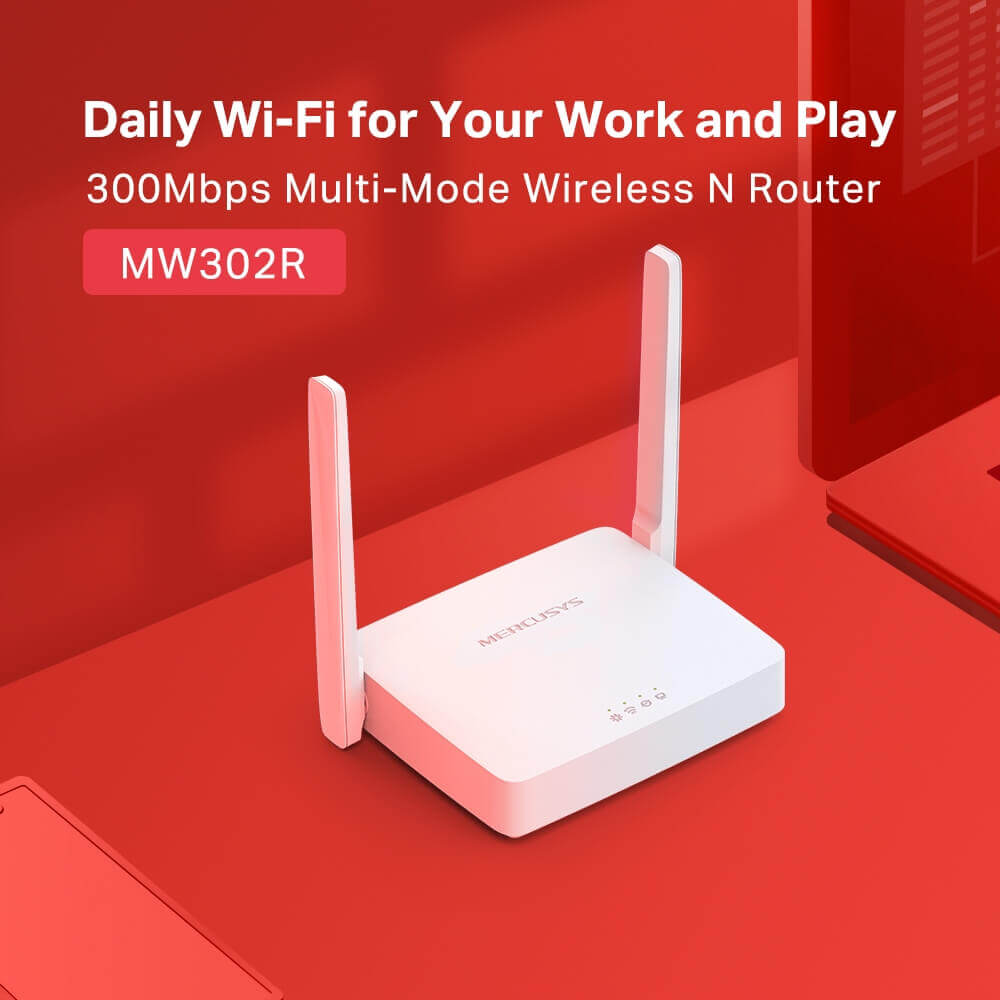
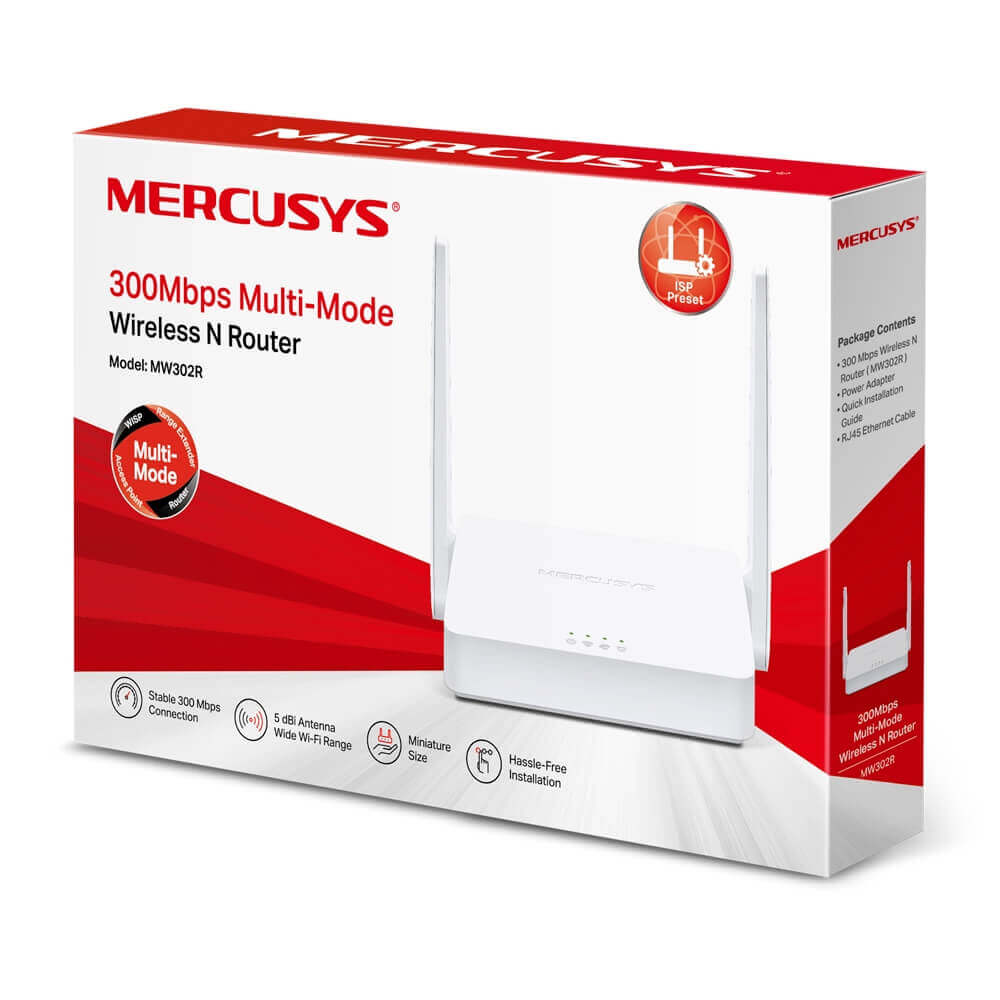
Daily Wi-Fi for Your Work and Play | 300Mbps Multi-ModeWireless N Router | MERCUSYS MW302R
Fast Daily Wi-Fi
MERCUSYS MW302R provides fast, stable Wi-Fi for all your connected devices. Wireless speeds of up to 300 Mbps make it ideal for HD streaming, online gaming, and rapid file downloads.
4 Modes in 1
-
Router Mode
Creates a wireless network for all your Wi-Fi devices
-
Range Extender Mode
Extends your existing Wi-Fi
-
Access Point Mode
Extends a wired network and makes it wireless
-
WISP Mode
Wirelessly connects to the ISP network in areas without wired service
Broader Coverage
Two external 5 dBi antennas powered with advanced antenna technology provide broader wireless coverage and signal intensity throughout large homes or offices, making weak connections a thing of the past.
Easy Setup with MERCUSYS App
The MERCUSYS app provides the easiest way for you to set up in minutes and manage your WiFi through your iOS or Android devices.
Easily Manage Your Home Network
- Parental Controls: Supervise children or staff by limiting access. Manage when and how connected devices can access the internet.
- Guest Network: Allow guests to join your Wi-Fi network while protecting your privacy. Making sharing easy and maintaining security.
- QoS: Priorities devices to get better performance when needed.
- IPTV Supported: Supports IGMP Proxy/Snooping, Bridge, and Tag VLAN to optimize IPTV streaming for a superior online experience.
- Wi-Fi Schedule: Customizes a schedule to automatically turn off your Wi-Fi.
- LED Control: Sets a time to turn off the LED while you sleep.
- Advanced Security: WPA/WPA2 encryption creates an active defense against security threats and intruders.
- IPv6 Supported: Allows you to enjoy IPv6 services provided by your ISP and visit IPv6 websites.
MERCUSYS MW302R N300 Multi-Mode Wi-Fi Router
Versatile Wi-Fi Solution with Multi-Mode Flexibility – Reliable Connectivity for Small Spaces
The MERCUSYS MW302R N300 Multi-Mode Wi-Fi Router is an affordable, adaptable router perfect for small homes, apartments, or offices needing reliable Wi-Fi without complexity. If you’re dealing with spotty signals during browsing, video calls, or light streaming in a Dhaka flat or Chittagong home, this router delivers speeds up to 300 Mbps on the 2.4 GHz band for smooth everyday tasks. Supporting four modes – Router, Access Point, Range Extender, and WISP – it flexibly extends coverage or shares connections. Ideal for BTCL, Link3, or basic broadband plans up to 100 Mbps, it ensures stable performance for up to 32 devices like phones, laptops, and smart gadgets.
Key Features:
- N300 Wi-Fi Speed: Up to 300 Mbps on 2.4 GHz for reliable browsing, HD video calls, and light streaming
- Multi-Mode Operation: Router mode for standard setups, AP for wired-to-wireless conversion, Range Extender to boost signals, and WISP for connecting to wireless ISPs
- High-Gain Antennas: 2 external 5 dBi antennas for extended range and signal penetration through walls
- Supports Up to 32 Devices: Handles multiple connections efficiently for phones, laptops, and IoT gadgets
- Parental Controls & QoS: Set time limits, block sites, and prioritize bandwidth via the Mercusys app
- Guest Network: Isolated Wi-Fi for visitors, keeping your main network secure
- Easy Setup: App-guided installation in minutes; supports IPv6 for future-proofing
- Beamforming Technology: Focuses signals to devices for stronger connections in crowded areas
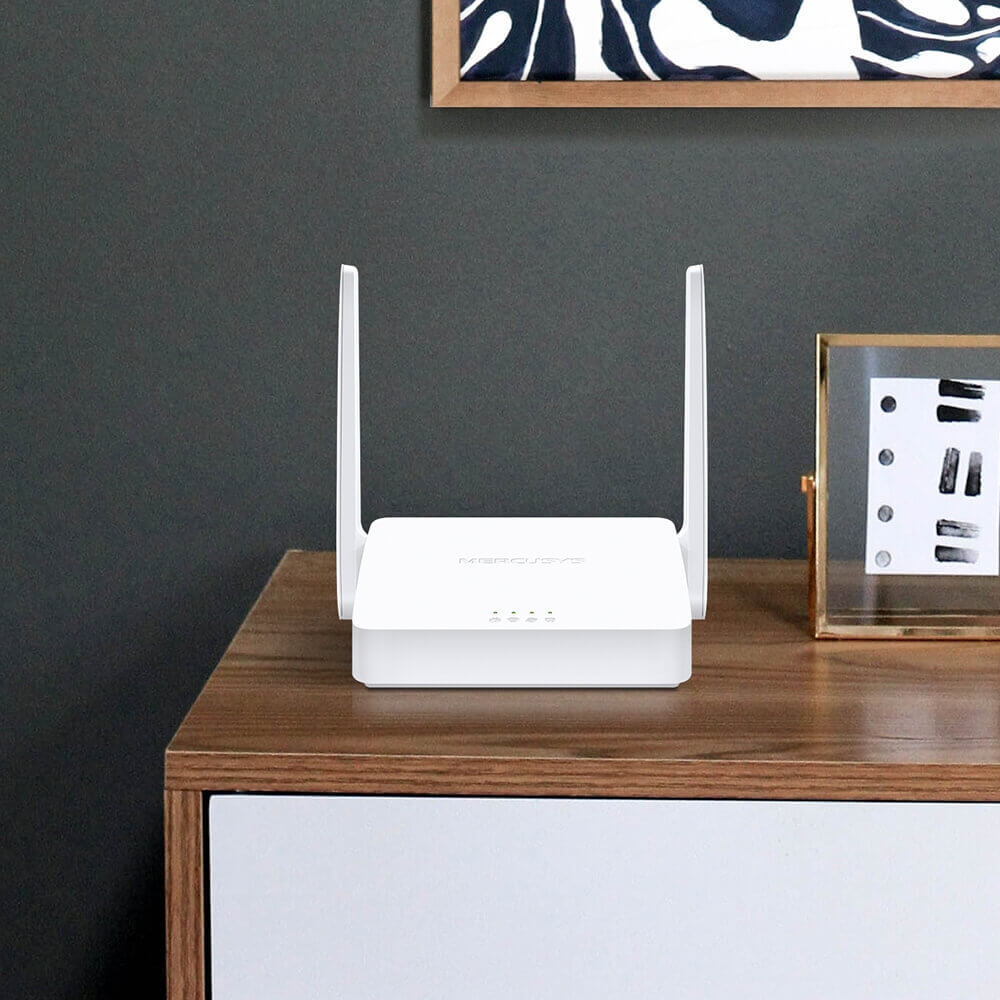
- Compact & Wall-Mountable: Sleek design that fits anywhere, with easy installation
Technical Specifications:
- Wireless Standards: IEEE 802.11n/b/g (2.4 GHz) – Wi-Fi 4
- Wi-Fi Speeds: Up to 300 Mbps (2.4 GHz)
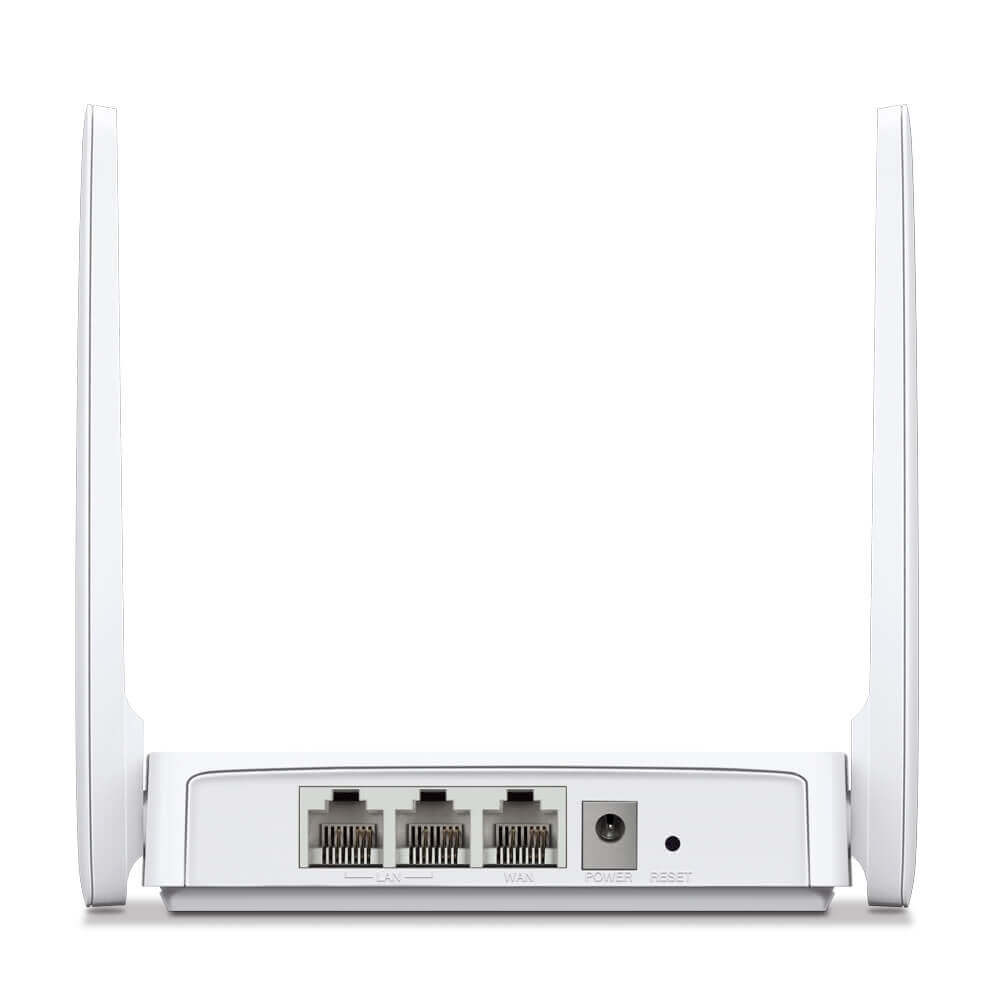
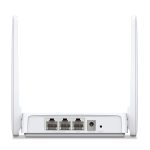
- Ports: 1 × 10/100 Mbps WAN, 2 × 10/100 Mbps LAN
- Antennas: 2 × External 5 dBi High-Gain
- Processor: Single-core CPU
- Memory: 64 MB RAM, 8 MB Flash
- Security: WPA/WPA2-PSK, SPI Firewall, Access Control
- Dimensions: 114 × 94 × 26 mm
- Power Supply: 5V/0.6A (universal 100-240V adapter included)
Related Products:
- MERCUSYS MW305R N300 Wi-Fi Router
- MERCUSYS MW306R N300 Multi-Mode Wi-Fi Router
- MERCUSYS AC12 AC1200 Dual-Band Wi-Fi Router
Frequently Asked Questions (FAQs)
1. What modes does the MERCUSYS MW302R support? It offers four modes: Router for standard use, Access Point to extend wired networks, Range Extender to boost existing Wi-Fi, and WISP to connect to wireless ISPs.
2. How much area does it cover? Up to 1,200 square feet in typical layouts, depending on walls and interference – suitable for small homes or apartments.
3. Is setup beginner-friendly? Yes! The Mercusys app provides a guided process: connect to your modem, scan the QR code, and customize in under 5 minutes.
4. What internet speeds does it support? Optimized for plans up to 100 Mbps with Fast Ethernet ports; for faster connections, consider a Gigabit model.
5. How many devices can connect at once? Up to 32 devices, ensuring efficient performance for phones, laptops, and IoT gadgets.
6. Does it include parental controls? Yes – set profiles, time limits, and content filters via the app for family safety.
7. Can it work as a range extender? Absolutely – switch to Range Extender mode to boost and extend your existing router’s signal.
8. Is it compatible with mesh systems? It supports EasyMesh for creating a whole-home network with compatible Mercusys devices.
9. How does beamforming improve Wi-Fi? It directs signals towards your devices, enhancing speed and stability in areas with multiple users or interference.
10. What’s in the box?
- MERCUSYS MW302R Router
- Power Adapter
- RJ45 Ethernet Cable
- Quick Installation Guide
Strengthen your connection with the MERCUSYS MW302R – versatile power for your daily needs!
Only logged in customers who have purchased this product may leave a review.















































































































































Reviews
There are no reviews yet